Technology
 PUBLISHED


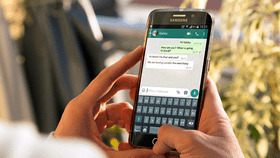


WhatsApp users are being urged to delete a text message being used to steal information. WhatsApp blog WABetaInfo is asking users to be careful, after a customer support scam has been reported by many users.
The text message looks at first glance like contact from customer support. The scammers are using it to collect credit card information or people's codes to log into their accounts, telling users to hand over the information or their account will face deletion. Putting in slightly more effort than usual scammers, the message includes the WhatsApp logo as their profile picture, with a small verified tick to make it look legitimate. However, it is possible to tell the account apart from the real WhatsApp, due to a lack of a green dot next to their contact name. Instead, the dot appears in the scammer's profile photo.
Another way to tell is that WhatsApp will never ask for your credit card information or pin, WABetaInfo write. WhatsApp have advised that should you receive the message you should delete it and block the number, Manchester Evening News reports, and never hand over personal information to anyone on the platform, including friends and family. For extra security, you can set up two-factor verification, preventing anyone from accessing your account without access to your authenticator as well.

 1
1